with CodeTimer('Reconcile Predictions ', verbose):
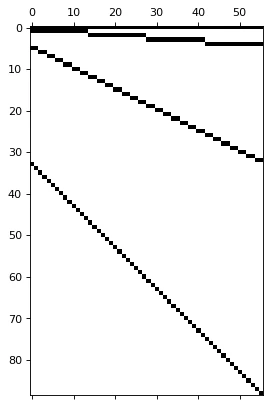
    if is_strictly_hierarchical(S=S_df.drop(columns="unique_id").values.astype(np.float32), tags={key: S_df["unique_id"].isin(val).values.nonzero()[0] for key, val in tags.items()}):
        reconcilers = [
            BottomUp(),
            TopDown(method='average_proportions'),
            TopDown(method='proportion_averages'),
            MinTrace(method='ols'),
            MinTrace(method='wls_var'),
            MinTrace(method='mint_shrink'),
            ERM(method='closed'),
        ]
    else:
        reconcilers = [
            BottomUp(),
            MinTrace(method='ols'),
            MinTrace(method='wls_var'),
            MinTrace(method='mint_shrink'),
            ERM(method='closed'),
        ]

    hrec = HierarchicalReconciliation(reconcilers=reconcilers)
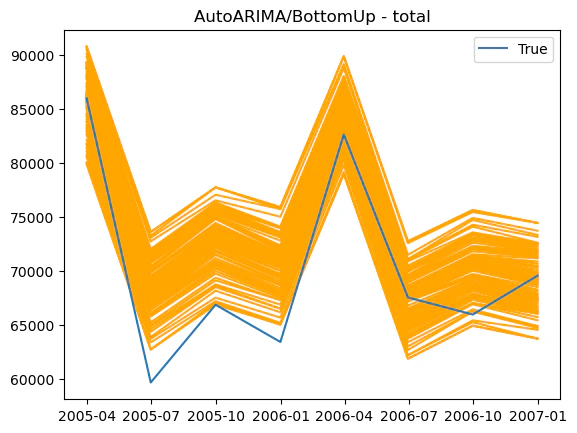
    Y_rec_df = hrec.bootstrap_reconcile(Y_hat_df=Y_hat_df,
                                        Y_df=Y_fitted_df,
                                        S_df=S_df, tags=tags,
                                        level=LEVEL,
                                        intervals_method=intervals_method,
                                        num_samples=10,
                                        num_seeds=10)

    Y_rec_df = Y_rec_df.merge(Y_test_df, on=['unique_id', 'ds'], how="left")